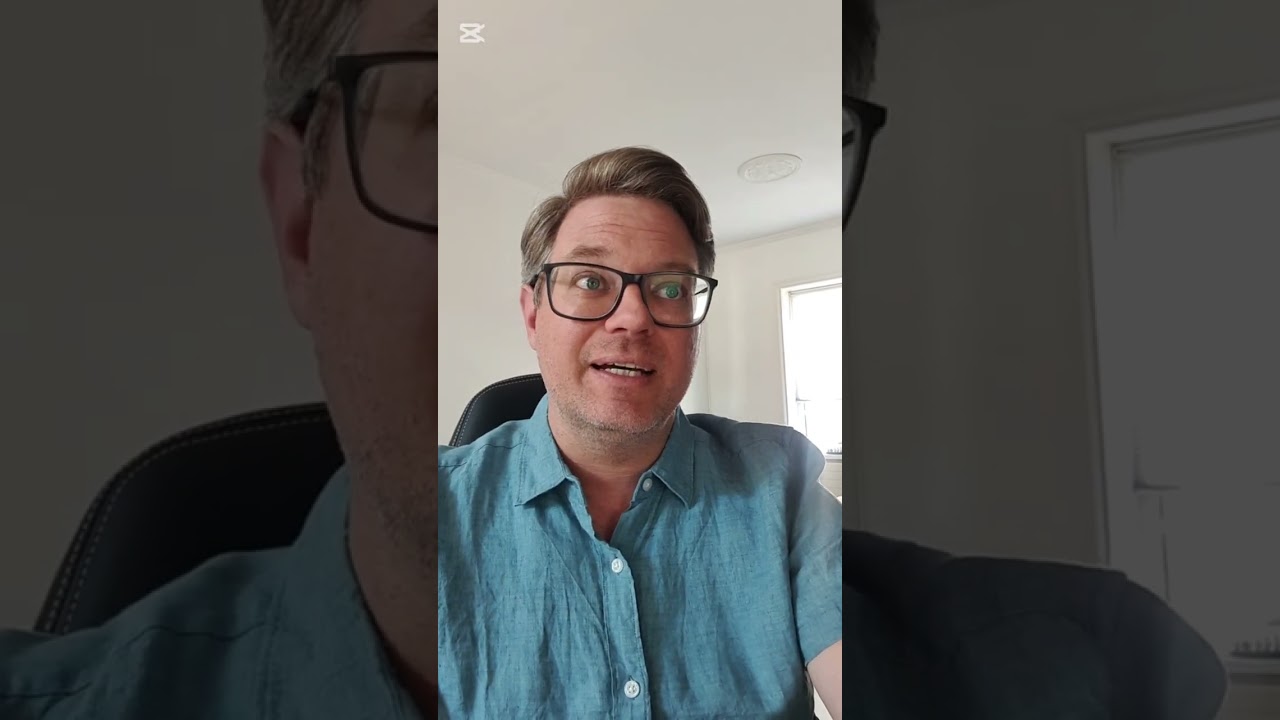
Trusted teacher
Become a Professional Photographer: Personalized GuidanceTranslate this text using Google Translate.
Become a Professional Photographer: Personalized GuidanceTranslate this text using Google Translate.
— Methodology —
This course is designed for all levels, from beginners wanting to understand their tools to professionals seeking guidance in project development and professionalization.
— Learning Philosophy —
I believe that learning is a dialogue. My approach is flexible and adapts to your needs: field case studies, participatory guidance during creation, and targeted training on specific aspects.
Sessions are scheduled according to your needs and constraints, ideally every two weeks to maintain a good rhythm.
— First Meeting —
During our first meeting, we will define the framework, method, tools, and objectives of the training together.
— Topics Covered —
The 6 Pillars of Image Creation
• Subject: Choice and importance of the subject
• Staging: Composition and arrangement of elements
• Lighting: Use and mastery of natural and artificial light
• Viewpoint: Angles and perspectives for visual impact
• Exposure: Techniques for correct and creative exposure
• Aesthetics: Developing a consistent visual style
Preparing a Photoshoot
• Planning: Logistical and creative preparation
• Location Scouting: Choosing and evaluating locations
• Equipment: Selection and preparation of necessary gear
• Models and Outfits: Coordination with models and wardrobe selection
• Storyboard: Creating a visual scenario for the shoot with MidJourney
Natural Light
• Understanding Natural Light: Characteristics and types of natural light
• Golden Hours: Photography during the golden hours
• Using Reflectors: Techniques for directing and softening light
• Shadow Management: Creating and controlling natural shadows
• Outdoor Shooting: Practical tips for outdoor sessions
Artificial Lights
• Introduction to Artificial Light: Types of light sources
• Continuous Light vs. Flash: Advantages and disadvantages
• Lighting Techniques: Using softboxes, snoots, and other accessories
• Studio Setup: Organizing and installing studio lighting
• Creating Light Ambiances: Techniques for different visual effects
Fashion Photography
• Conceptualizing a Fashion Portrait: Ideas and inspirations
• Model Direction: Tips for directing and communicating with models
• Outfit Selection: Importance of clothing and accessories
• Lighting Usage: Specific techniques for fashion portraits
• Post-Processing: Retouching and enhancing fashion portraits
Street Photography
• Introduction to Street Photography: Concepts and ethics
• Interacting with Subjects: Techniques for approaching and photographing people in the street
• Using Natural Light: Adapting to outdoor lighting
• Dynamic Composition: Creating impactful images in urban settings
• Post-Processing: Suitable retouching for street photography
Digital Development on Lightroom or Capture One
• Introduction to Lightroom: Interface presentation and customization
• Image Import: Methods and file organization
• Image Development: White balance, exposure, contrast, etc.
• Local Adjustments: Using brushes, graduated and radial filters
• Exporting: Export settings for different uses
Project Development
• Project Conception: Ideation and planning
• Research and Inspiration: Techniques for finding creative ideas
• Production Planning: Managing time and resources
• Execution: Practical realization of the project
• Evaluation and Adjustment: Analysis and continuous improvement of the project
Photobook Editing
• Book Design: Structuring and layout
• Image Selection: Choosing photos and organizing them
• Editing Software: Using tools for creating photo books
• Online Printing Services: Comparison and use of available services
• File Preparation: Optimization for printing and publishing
Professional Equipment
• Professional Kit Overview: Description of essential equipment
• Cameras: Selection and use of different types of cameras
• Lenses: Choosing lenses for various situations
• Essential Accessories: Tripods, filters, flashes, etc.
• Equipment Maintenance and Management: Techniques for maintaining and protecting gear
The Photography Profession: Market Dynamics
• Fashion Photography: Understanding the expectations of magazines, modeling agencies, and fashion brands. Techniques for portfolio presentation and collaboration with stylists and makeup artists.
• Wedding Photography: Organization and management of events, interaction with clients, and specific marketing strategies.
• Product Photography: Collaboration with businesses for product photography aimed at advertising and online sales. Techniques for staging and lighting.
• Editorial Photography: Working with magazine and newspaper editors, designing photo reports, and meeting publication deadlines.
• Corporate Photography: Creating corporate portraits, covering professional events, and creating visual content for companies.
• Art Photography: Exhibiting in galleries, participating in competitions and festivals, and selling photographic art.
The Photography Profession: Freelance Dynamics
• Portfolio Creation: Selecting and presenting the best works to attract clients and collaborations.
• Marketing Strategies: Using social media, creating a professional website, and developing a personal brand.
• Professional Networking: Importance of industry relationships, participating in events and online/offline communities.
• Client Management: Communication techniques, managing expectations, and maintaining long-term client relationships.
• Legal and Financial Aspects: Understanding contracts, copyrights, invoicing, and financial management as a freelance.
• Continuous Development: Ongoing training, technological watch, and adaptation to new trends and technologies.